A Website You Can Actually Update: Questions to Ask About Your CMS
Your new website looks great. Then your phone number changes and you wait three days for someone to fix it. Sound familiar?
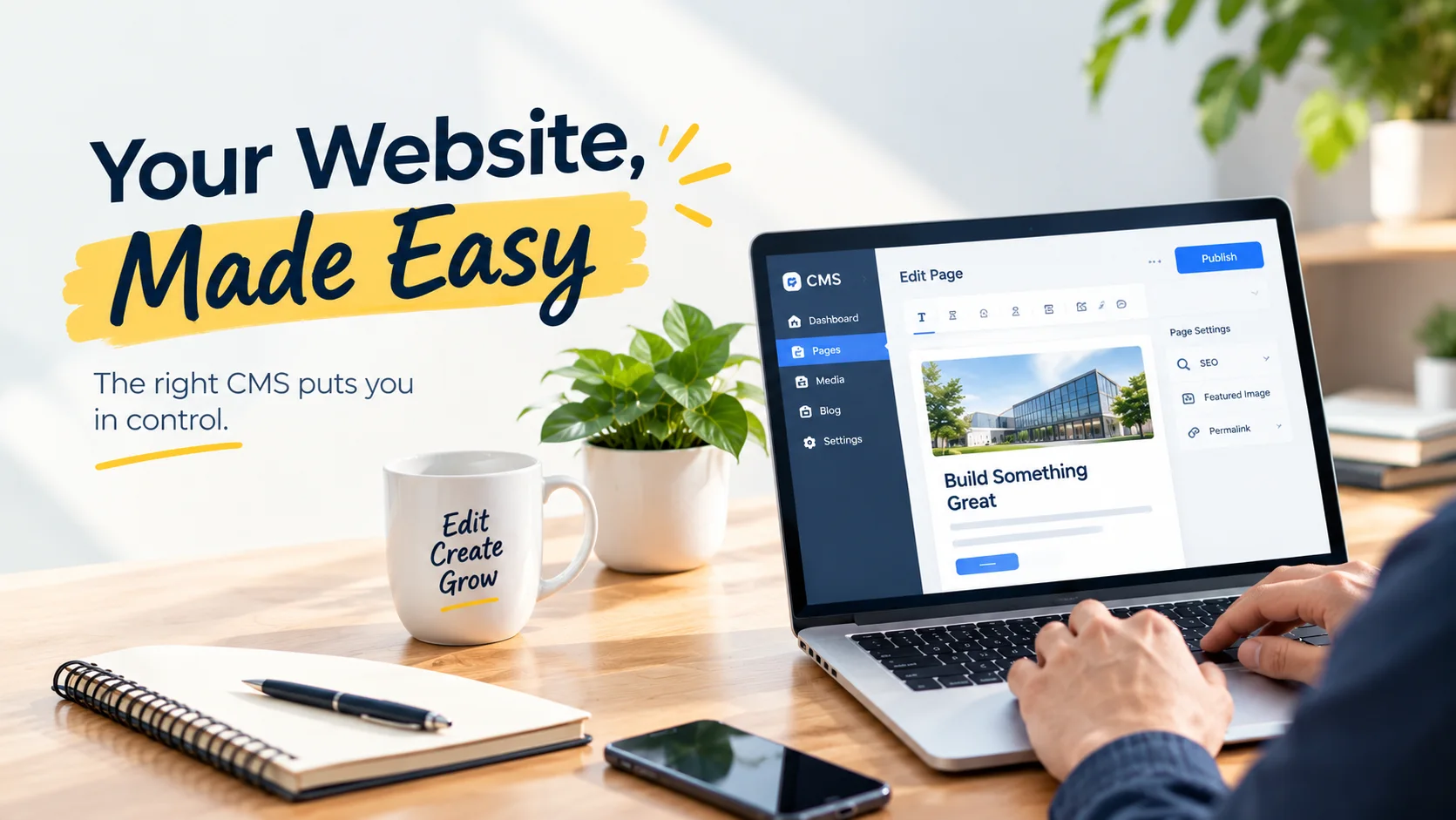
A good content management system or CMS, should end that wait. It is the tool behind your site that lets you change text, images and pages yourself. If it is hard to use, your site goes stale fast.
Ask Your Web Development Company These Questions Before You Sign
At Accolades Integrated, we build websites for businesses in Kochi, Mumbai and across India. We hear the same story often. The site launches well. Six months later, nobody on the team dares to touch it.
That is rarely a design problem. It is a CMS problem. So before you hire a Web Development Company, ask to see the admin dashboard live. A short demo tells you more than a long proposal.
Can You Edit Pages Without Calling a Developer?
Start with the basics. Can you change a headline in two minutes? Can you fix a typo, swap a photo or add a new service page?
A good page editor feels like a simple document. You click, type and publish. Many teams like a drag and drop builder because they see each change as they make it.
Here is what to ask:
- Can I preview a page before it goes live?
- Can I schedule a post for later?
- Does the CMS keep version history, so I can undo a mistake?
- Can I edit SEO settings like titles and meta descriptions myself?
That last one matters. Search visibility depends on small edits you make often. If every tweak needs a developer, you will skip them.
How Easy Is It to Upload Projects and Media?
Most of our clients want to show their work. That means case studies, portfolio pages, product listings and event photos. Uploading should feel easy, not scary.
Check how the media library handles big images. Does it resize them for you? Does it let you add alt text? Heavy images slow a site down and slow sites lose visitors.
Then ask how a new project page gets made. The best setups use a content template. You add a title, a few photos and a short story. The layout takes care of itself. Your pages stay neat, even when five people add content.
Who Can Change What? Set Clear Permissions
Not everyone needs full control. A new intern should not be able to delete your home page.
Ask about user roles and role based permissions . A solid CMS lets you set levels like these:
- Admin: full control of the site
- Editor: edits and publishes pages
- Author: writes drafts for review
Also ask about access control for private pages. And ask for an activity log. When something breaks, you want to know who changed it and when.
Backups belong here too. How often do they run? How fast can you restore one? A good website maintenance plan answers both questions in plain words.
Will Your Team Know How to Use It?
The best CMS fails if nobody learns it. So ask about staff training before you buy.
Does the team offer a live session? Written guides? Short videos in your own language? In our experience, one hands on session and a simple manual fix most problems. Staff feel confident within a day or two.
Ask about support after launch, too. Who answers when you get stuck? How fast? Any Web Development Company in Kerala should give you a clear answer, not a vague promise.
Pick a CRM Software Company That Connects Your Leads
Your website collects leads. Your CRM tracks them. The two should talk to each other.
If a form fill lands in an inbox, someone must copy it by hand. That wastes time and loses sales. Ask whether the CMS links to your sales tools through API integration. Ask if new enquiries flow straight into your lead management system.
Some firms need more than a plug in. A CRM Software Company can shape a system around how your team really sells. Our team offers a Custom CRM Software Development Service in Kochi, Mumbai and beyond for businesses that outgrow generic tools.
Quick Answers
What is a CMS?
A CMS is software that lets you edit your website without writing code. You manage pages, images and posts from a simple dashboard.
How long does CMS training take?
Most teams learn the basics in one to two sessions. Daily tasks like editing text and uploading photos come first.
Should every staff member get admin access?
No. Give each person only the access their job needs. This protects your site from honest mistakes.
Can a CMS connect to a CRM?
Yes, in most cases. Ask your developer how forms, leads and customer records will sync.
A Simple Checklist for Your Next Meeting
Bring these questions to any vendor call:
- Can I edit a page myself while you watch?
- How do I upload a new project?
- What roles and permissions come built in?
- What types of training do you provide and how long do they last?
- How does the site connect to my CRM?
If the answers feel hazy, keep looking. A clear answer today saves weeks of frustration later.
See a Live CMS Demo With Our Team
Talk is cheap. A demo shows you what editing really feels like.
At Accolades Integrated, we walk you through the dashboard, edit a page in real time and set up a sample user role. You ask questions. We answer them in plain words. As a Web Development Company and a trusted CRM Software Company, we also show how your site and sales tools can work as one.
Ready to see it? Request a CMS demo with Accolades Integrated today. We serve clients in Kochi, Mumbai and beyond